
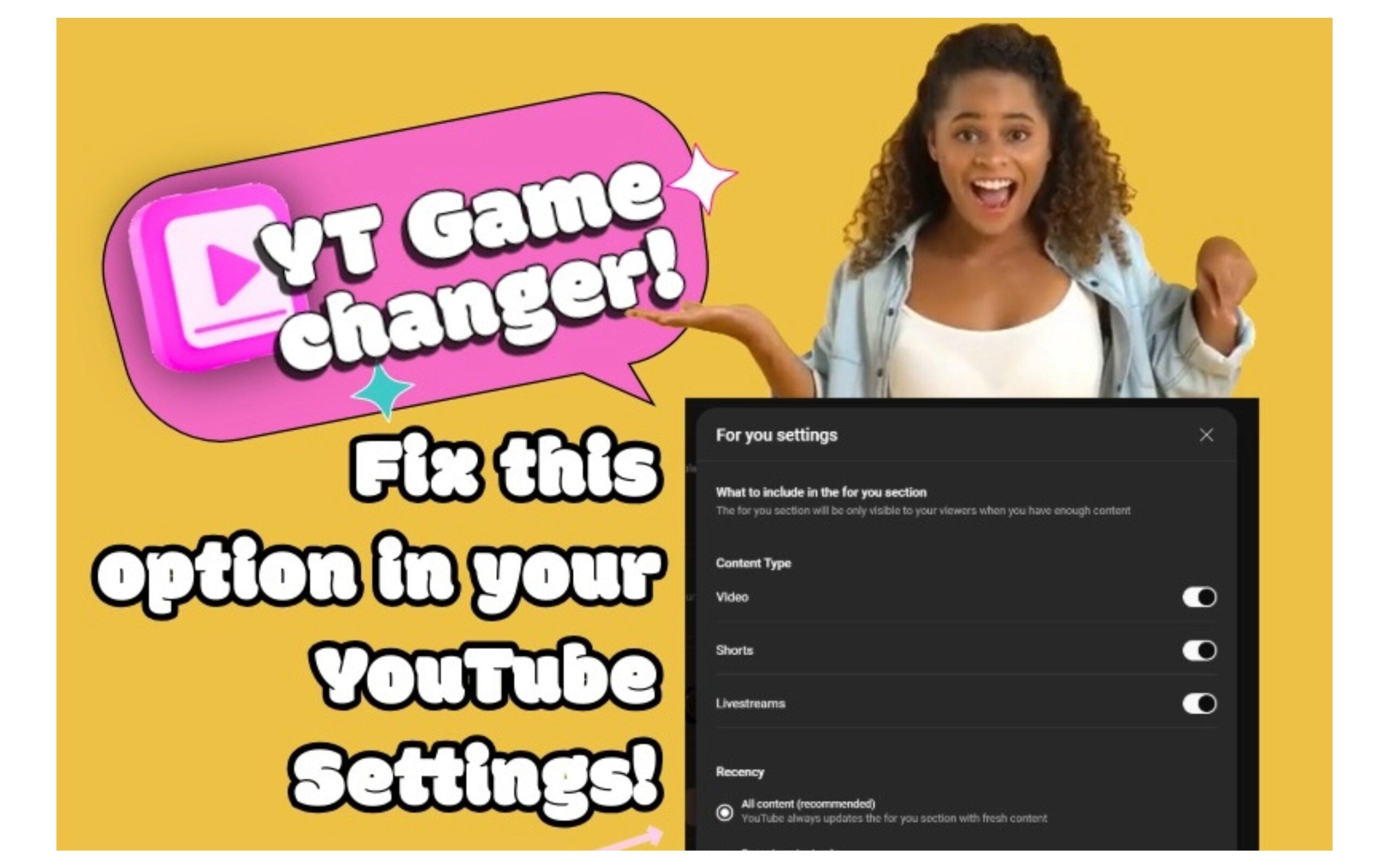
Instructional Guide: Configuring the “For You” Section on Your YouTube Channel to Recommend All Content
Skyrocket Your YouTube Channel: Unlock the Secret to Recommending ALL Your Videos with This Simple Recency Setting Trick!
The “recency” setting refers to an option in YouTube Studio that allows channel creators to control whether the “For You” recommendation section on their channel page suggests content from the past 12 months only or from their entire library (“All Content”). This feature helps personalize recommendations for viewers based on their watch history. Note that this is a creator-side setting available in YouTube Studio, and it requires you to have a YouTube channel with sufficient content (e.g., videos, Shorts, or livestreams) to enable it.
Follow these steps to locate and configure the setting:
- Sign in to YouTube Studio: Open a web browser and navigate to studio.youtube.com. Sign in with the Google account associated with your YouTube channel.
- Access Customization Options: In the left-hand menu, click on Customization. This will open the channel customization interface.
- Navigate to the Layout Tab: Within the Customization section, select the Layout tab at the top.
- Locate the For You Section: Scroll down the page until you find the For You section. If it’s not already enabled, toggle it on to activate the feature.
- Open Advanced Settings: Click on More Settings (or a similar button, depending on the interface) to expand the configuration options for the For You section.
- Configure Content Types (Optional): In the settings, you can select which types of content to include in recommendations, such as long-form videos, Shorts, and livestreams. Check the boxes for the types you want to feature.
- Set Recency to Recommend All Content: Look for the Recency option. Choose All Content to ensure recommendations draw from your entire upload history, rather than limiting to Recent Content (past 12 months only). This setting allows YouTube to recommend older videos alongside newer ones.
- Save Changes: Click Publish or Save at the top of the page to apply your updates. The changes may take some time to reflect on your channel page for viewers.
Once configured, the For You section will appear on your channel’s homepage for visitors, providing personalized recommendations based on their viewing habits. If you encounter any issues or the interface differs slightly (due to updates), refer to YouTube’s official help resources for the latest guidance.