

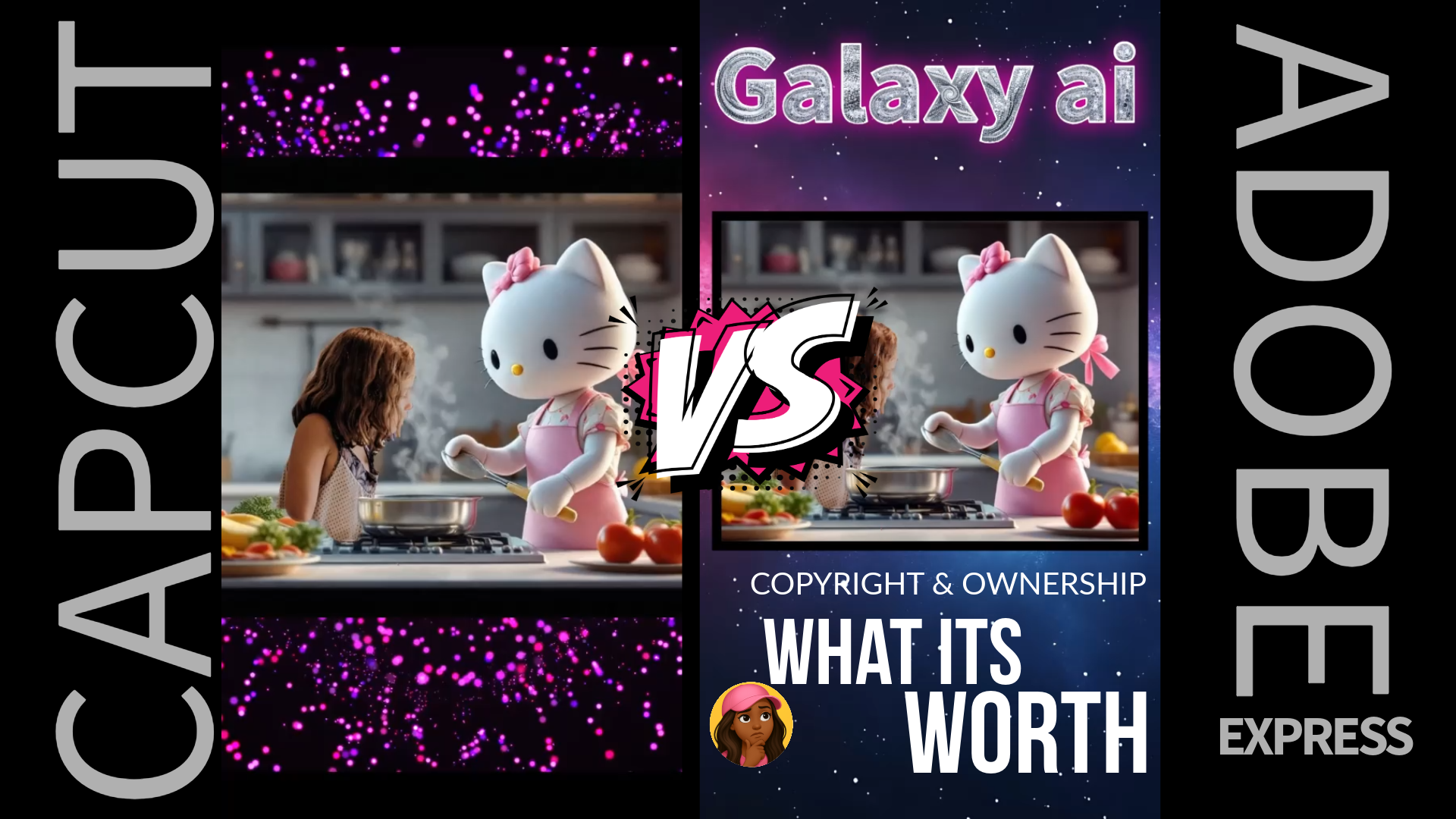

In the fast-paced world of social media content creation, choosing the right video editing tool is crucial. Adobe Express and CapCut are two popular platforms that cater to creators looking to produce polished, engaging videos. While both offer impressive features, CapCut’s recent Terms of Service (ToS) update (June 12, 2025) has raised concerns among users about privacy and content ownership. This post dives into the video creation tools offered by both platforms, compares their ToS, and explores whether the trade-offs are worth it.
Adobe Express Pros:
- Adobe Stock. Yes, the massive collection and searchability is top.
- My Stuff. Easily access previous work for reuse.
- Multi-social site posting and scheduling.
- My work won’t be monetized without consent.
- Familiarity
CapCut Pros:
- Freeze frame. Essential for smooth transition, timing narratives and dialogue.
- Multi-layer Video and Audio Track control
- Animated Text Templates. A major time-saver for those with hand limitations, not skill inability.
- Resolution and FPS Control. Yes, this is important.
Video Creation Tools: Adobe Express vs. CapCut
Adobe Express
Adobe Express (formerly Adobe Spark) is a web-based and mobile-friendly tool designed for quick, professional-looking video content, particularly for social media and marketing. Its key features include:
- Template-Driven Creation: Thousands of customizable templates tailored for platforms like Instagram, TikTok, and YouTube, making it easy to create branded content.
- Basic Video Editing: Tools for trimming, combining clips, and adding transitions, ideal for straightforward projects.
- Text and Animation: Animated text overlays and effects to enhance videos.
- Stock Media Integration: Access to Adobe Stock for royalty-free footage, images, and audio.
- Brand Kit: Ensures consistent branding across projects with logos, fonts, and colors.
- AI Tools: Features like background removal and text-to-image generation streamline design tasks.
- Cross-Platform Access: Available on web, iOS, and Android, though it requires an internet connection.
Adobe Express is beginner-friendly with a clean, drag-and-drop interface but may feel limited for advanced editors due to its simplified feature set.
CapCut
CapCut, developed by ByteDance (TikTok’s parent company), is a mobile-first platform with a robust desktop version, tailored for creating trendy, social media-ready videos. Its standout features include:
- Multi-Layer Timeline: Supports complex compositions with multiple video and audio tracks.
- Effects and Transitions: A vast library of TikTok-style filters, transitions, stickers, and animations.
- AI-Powered Tools: Auto-captions, background removal, motion tracking, and AI-generated effects for professional polish.
- Royalty-Free Music: A built-in library of trending, copyright-safe tracks.
- Template Library: Hundreds of customizable templates optimized for TikTok and Instagram Reels.
- Cross-Platform Flexibility: Available on mobile (iOS/Android), desktop (Windows/macOS), and web, with offline editing capabilities.
- Collaboration Tools: Real-time project sharing for team workflows.
CapCut’s intuitive interface and advanced features make it appealing to both beginners and experienced creators, especially for short-form content. However, some advanced tools (e.g., 4K export, premium effects) require a CapCut Pro subscription ($7.99/month or $74.99/year).
Verdict: CapCut offers more advanced editing capabilities and flexibility, particularly for social media creators who need trendy effects and mobile convenience. Adobe Express excels in streamlined, brand-focused content creation with professional-grade templates but lacks the depth of CapCut’s editing tools.
Terms of Service: A Stark Contrast
CapCut’s Terms of Service
CapCut’s updated ToS (June 12, 2025) has sparked significant concern among creators due to its broad and permissive language. Key points include:
- Content License: By uploading content to CapCut (including drafts, cloud backups, or shared projects), you grant ByteDance a “worldwide, royalty-free, sublicensable, and transferable license” to use, modify, distribute, monetize, and create derivative works from your content indefinitely, even after you delete it.
- Likeness and Identity: CapCut can use your name, face, voice, and username in sponsored content or promotions without notification or compensation.
- AI Training: Your content may be used to train CapCut’s AI tools, with no opt-out option, even for Pro users.
- Content Monitoring: CapCut reserves the right to access, preserve, and disclose your content for legal or government requests.
- Creator Responsibility: Users are solely responsible for legal issues (e.g., copyrighted material), and CapCut disclaims liability.
These terms apply to any content uploaded to CapCut’s servers, though local, offline edits may not be subject to the same licensing. Critics argue this gives ByteDance excessive control, potentially clashing with creators’ brand deals or client exclusivity agreements. The lack of an opt-out and perpetual rights retention have led some to label the terms “predatory.”
Adobe Express’s Terms of Service
Adobe Express’s ToS, part of Adobe’s broader Creative Cloud policies, is less invasive but still requires careful consideration:
- Content Ownership: You retain ownership of your content, but Adobe requires a limited, non-exclusive license to host, display, and process your content to provide services (e.g., cloud storage, collaboration). This license terminates when you delete your content or account, unlike CapCut’s perpetual rights.
- Use of Content: Adobe may use your content for platform operation (e.g., thumbnails, previews) but does not claim rights to monetize, resell, or create derivative works for its own purposes without permission.
- AI Training: Adobe’s Firefly AI (used in Express) may use content for model training, but Adobe emphasizes user consent and offers opt-out options for AI training in its privacy settings.
- Data Privacy: Adobe collects user data for analytics and marketing but complies with strict regulations like GDPR and CCPA, offering clearer privacy controls than CapCut.
- Creator Responsibility: Like CapCut, users are responsible for ensuring their content complies with copyright laws.
Adobe’s terms are more creator-friendly, prioritizing content ownership and offering greater transparency and control over data usage. However, the platform’s reliance on cloud-based functionality means some data sharing is unavoidable.
Verdict: CapCut’s ToS grants ByteDance sweeping, perpetual rights over your content, raising red flags for creators concerned about privacy and control. Adobe Express’s terms are more restrictive in scope, with clearer ownership and opt-out options, making it a safer choice for those prioritizing content protection.
The Trade-Off: Is It Worth It?
CapCut’s robust, user-friendly tools and free tier make it a powerhouse for creating viral, social media-ready videos with minimal effort. Its AI features, extensive effects, and mobile-first design are unmatched for quick-turnaround content. However, the ToS introduces significant risks, especially for professional creators or those working with clients, as ByteDance’s broad rights could undermine brand exclusivity or lead to unauthorized use of your content.
Adobe Express, while less feature-rich, offers a safer environment with professional templates and seamless Creative Cloud integration. It’s ideal for marketers and small businesses focused on consistent branding but may not satisfy creators needing advanced editing or offline capabilities. Its ToS provides better peace of mind, with clearer ownership and privacy protections.
What’s the trade-off? If you value creative control and content ownership, Adobe Express is the safer bet, but you’ll miss out on CapCut’s advanced editing tools and trendy effects. If you prioritize cutting-edge features and can work offline to avoid CapCut’s cloud-based licensing, it might still be worth using. Which platform aligns best with your needs: CapCut’s powerful tools with risky terms, or Adobe Express’s safer but simpler ecosystem?

